
Home Systems & Energy
Smart Home Automation System Installers: Full Setup Costs
FixingManual guide: Compare smart home automation system installers, equipment costs, labor fees, and monthly charges. Fixing Manual helps plan a full setup budget.
Image disclosure: Images are AI-generated illustrations, not photographs of FixingManual projects or hands-on product tests.
Smart home automation system installers can charge a few hundred dollars for individual-device help or tens of thousands for a custom whole-home system. For a modest setup connecting several everyday devices, a $2,000 to $6,000 planning budget is a useful starting point. Premium projects with lighting control, motorized shades, distributed audio, extensive wiring, and deeper integration need a detailed custom quote.
The biggest question is what “full setup” actually includes. Mounting a video doorbell and connecting it to an app is very different from making lighting, HVAC, locks, cameras, entertainment, and network equipment work together. This guide explains how professional installers price those jobs and what should be included before you sign a contract.
How Much Does Professional Smart Home Installation Cost?
There is no single national average that fits every automation project. Smart home automation system installers price projects according to device count, integration depth, wiring, programming, and support. Angi’s 2026 smart-home cost guide lists mid-range systems at about $2,000–$6,000 and advanced systems at about $2,500–$10,000 or more. Those ranges overlap because the number of devices, home size, wiring needs, and depth of integration vary widely.
| Project scope | Budget reference | What to clarify |
|---|---|---|
| Individual device installation | Roughly $130–$175 for selected listed services | Equipment and extra work may be separate |
| Several connected devices | $2,000–$6,000 planning range | Device quantities, wiring, and routines |
| Advanced automation | $2,500–$10,000+ | Coverage and exclusions vary widely |
| Custom integrated home | $15,000–$120,000+ examples exist | Shades, AV, networking, design, and support |
For individual services, Best Buy’s smart-home installation services currently list examples such as smart thermostat installation, video doorbell installation, smart locks, cameras, and Wi-Fi setup. Treat those as service examples rather than full-system prices, because equipment and corrective wiring may be additional.
What Do Smart Home Automation System Installers Do?
A useful installation starts with your daily routine. You may want porch lights at sunset, a bedtime scene that checks door locks, climate schedules that family members can easily override, or one control screen for several rooms. Write those goals down before choosing equipment.
For integrated projects, smart home automation system installers can handle system design, device selection, wiring coordination, programming, testing, and homeowner training. Control4 describes its dealer or Smart Home Pro as the professional responsible for initial setup, configuration, changes, and upgrades to its systems.
Have the proposal name the person responsible for the complete result. If the camera vendor blames the network and the network contractor blames the camera, you need a clear route to getting the problem resolved.
Installer Labor and Setup Fees
Angi gives a broad labor range of about $50–$150 per hour and assessment fees of roughly $75–$300. Local rates and specialist programming can differ. Ask whether the rate is per technician or per crew, and whether travel, minimum visits, and follow-up work cost extra.
| Listed installation service | Typical listed service price |
|---|---|
| Smart thermostat installation | About $129.99 |
| Video doorbell installation | About $149.99 |
| Smart lock or deadbolt installation | About $149.99 |
| Home Wi-Fi setup | About $174.99 |
These are service prices, not complete equipment packages. When comparing smart home automation system installers, ask whether equipment, wiring corrections, configuration, and follow-up visits are included. For larger projects, ask for separate amounts for physical installation and programming. Installing twelve devices does not tell you how much testing is required to make schedules, sensors, user accounts, and routines work reliably together.
A Sample Full Smart Home Setup Budget
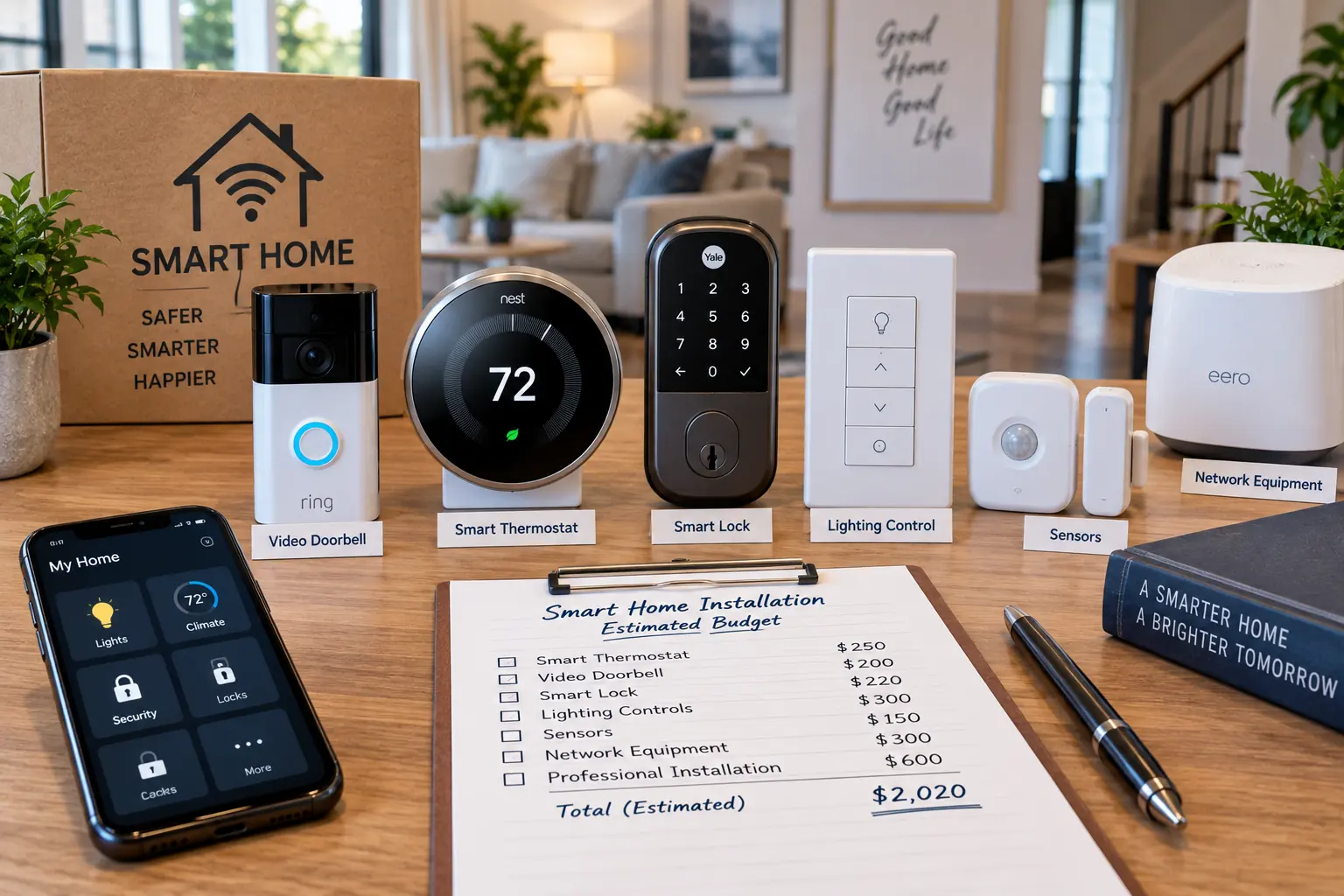
Consider a homeowner who wants entry security, basic lighting control, a smart thermostat, and better wireless coverage. The following is an illustrative planning exercise, not a contractor quote or measured national average.
| Item | Assumed allowance |
|---|---|
| Controller or smart display | $150 |
| One thermostat | $200 |
| One smart lock | $250 |
| One video doorbell | $180 |
| Two cameras | $300 |
| Eight lighting controls | $400 |
| Four sensors | $120 |
| Network equipment | $350 |
| Equipment subtotal | $1,950 |
| Installation and programming allowance | $1,200 |
| Subtotal before tax and contingency | $3,150 |
| Illustrative 15% contingency | $472.50 |
| Planning total before tax | $3,622.50 |
The contingency is money held aside, not an automatic installer charge. Replace each allowance with actual model prices and written labor estimates. If a contractor package already includes equipment, avoid counting it twice.
What Makes Whole-Home Automation More Expensive?
More Rooms and More Control Zones
Count the functions you want in each room. A home with twenty separately controlled lighting circuits needs a different proposal from one with four smart lamps. For motorized shades, request the window count, dimensions, power arrangement, and installation cost.
Existing Wiring and Finished Walls
Ask the contractor to inspect access routes before quoting concealed cables. Identify who restores wall openings and whether paint matching is included. During a renovation, coordinate the automation plan before walls are closed.
Network Coverage
Have the installer check coverage where devices will actually sit, including the front door, garage, and outdoor areas. Request a network plan showing proposed access points and cable runs instead of simply adding a new router without diagnosing the coverage problem.
Integration and Custom Programming
Specify the behaviors you are buying. “Install smart lighting” is less useful than “provide hallway motion lighting after sunset with a manual override.” Request a demonstration of every agreed routine at handover.
Electrical and HVAC Work
Ask whether thermostat compatibility, switch wiring, and available power have been checked. If the project needs a larger electrical service, compare that work separately; our 100 amp to 200 amp upgrade cost guide explains the major cost factors involved.
Monthly Fees and Five-Year Ownership Costs
Ask smart home automation system installers for a recurring-cost schedule beside the installation quote. Separate camera storage, alarm monitoring, platform access, and installer support plans. For every charge, have the provider explain what feature you lose if you cancel.
Five-year cost = upfront setup + 60 months of subscriptions + expected service and replacement spending.
For example, an assumed $35 monthly subscription adds $2,100 over five years. A $10 monthly plan adds $600. These are arithmetic examples, not advertised provider rates. Add any equipment financing separately if your proposal uses installments.
Compatibility, Internet Outages, and Account Access
Choose the control platform before filling a shopping cart. Ask for a written list of supported models and the exact features available through that platform. A device working in its own app does not prove that every feature will appear in your preferred interface.
Request an outage demonstration instead of accepting a blanket promise that the system works offline. Test lighting, thermostat controls, locks, and important routines. Ask separately what happens during an internet outage and a power outage.
At handover, make sure account recovery details belong to you. Have the installer explain any continuing remote access and show you how to change it. Store device records, setup codes, and the final equipment list somewhere you can retrieve later.
How to Choose Smart Home Automation System Installers
When searching for smart home installers near you, compare relevant project experience before comparing totals. Someone who regularly mounts cameras may offer a different service from an integrator managing lighting, shades, HVAC, networking, and entertainment across an entire home.
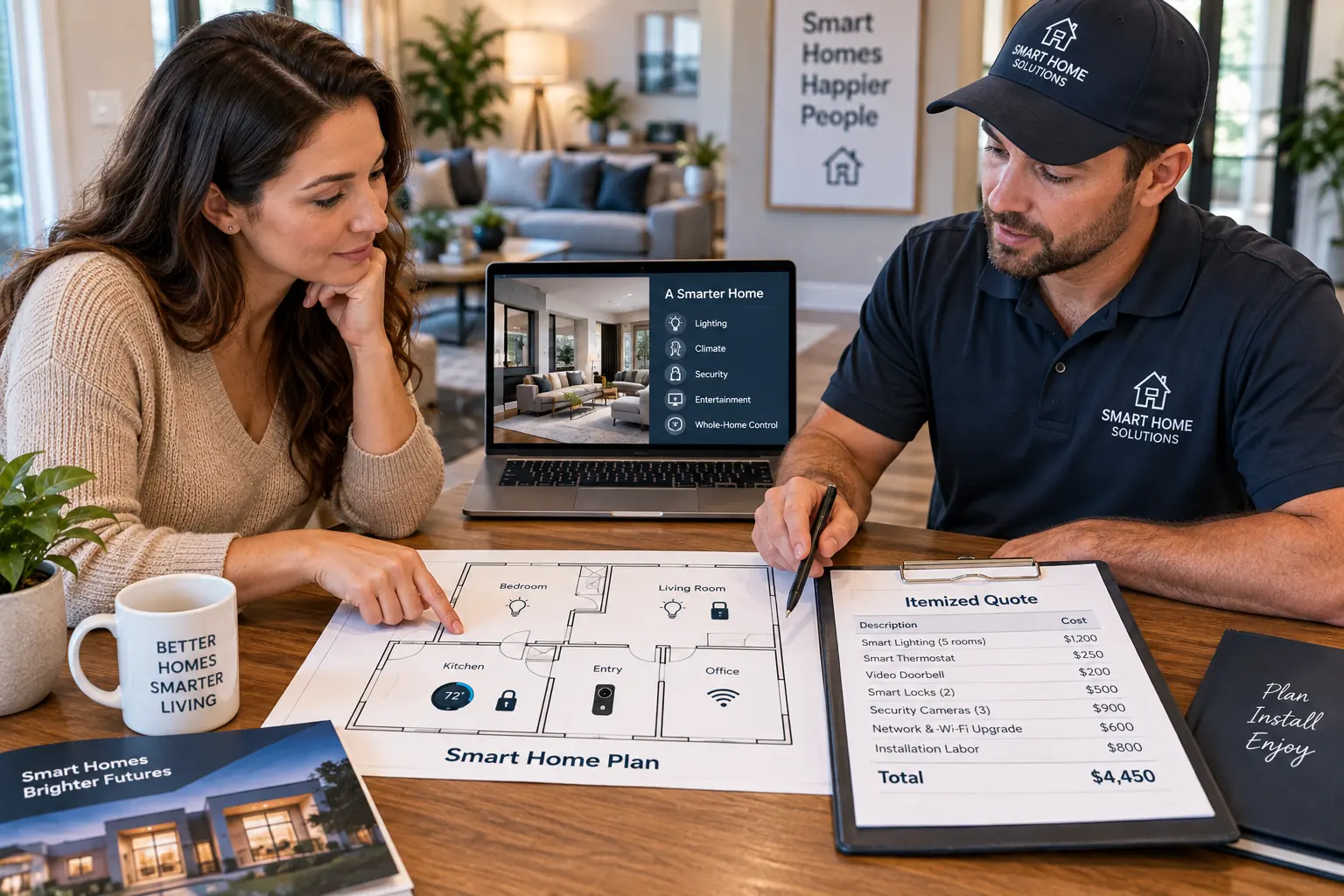
Send the same room list and desired routines to two or three contractors. Ask each proposal to include equipment model numbers, quantities, ownership terms, wiring, mounting, programming, testing, training, subcontracted work, permit arrangements, payment milestones, warranty coverage, support terms, and recurring fees.
How to Keep the Smart Home Installation Budget Under Control
When comparing smart home automation system installers, start with tasks you will use every day. A reliable entry setup and a few useful lighting routines may be a better first phase than buying every available accessory. Ask which parts can be expanded later without replacing the controller or reopening finished walls.
For simple plug-in devices, consider handling basic setup yourself if you are comfortable following manufacturer instructions. Keep specialist wiring and integration testing within the agreed professional scope, and confirm that independently purchased hardware will still be supported by the installer.
Request an Account and Support Handover
Ask which accounts you will own, who can change administrator access, and how to remove installer access later. Request a list of devices, subscriptions, support terms, and what still works during an internet outage. Keep recovery information securely rather than in an exposed project document. If backup power is part of the plan, define the relevant circuits with our standby generator planning guide.
Frequently Asked Questions
Can I Install a Smart Home Without Monthly Fees?
Yes, you can plan around devices and functions that do not require paid services. Ask the installer to demonstrate exactly which features remain available without subscriptions, especially camera recording and remote access.
Is a Professional Smart Home Installer Worth the Cost?
Professional help is easier to justify when you need concealed wiring, several systems working together, custom programming, or one provider accountable for troubleshooting. For a few simple devices, compare a fixed setup fee with doing the manufacturer’s setup process yourself.
How Long Does Full Smart Home Installation Take?
The schedule depends on the equipment list and wiring needs. Distinguish physical installation from programming, testing, and homeowner training. Custom projects may also depend on renovation progress and product delivery.
What Should I Ask Before Accepting a Smart Home Quote?
Ask what your household will be able to do when the project is finished and what will cost extra afterward. A clear answer should connect every promised function to equipment, installation work, support, and recurring charges.
Sources
Keep reading
Related Articles
Home Systems & Energy
Aluminum Wiring Pigtail Repair Cost for an Older Home
Home Systems & Energy